
Shape the material for the work ahead
Cutting & press brake forming
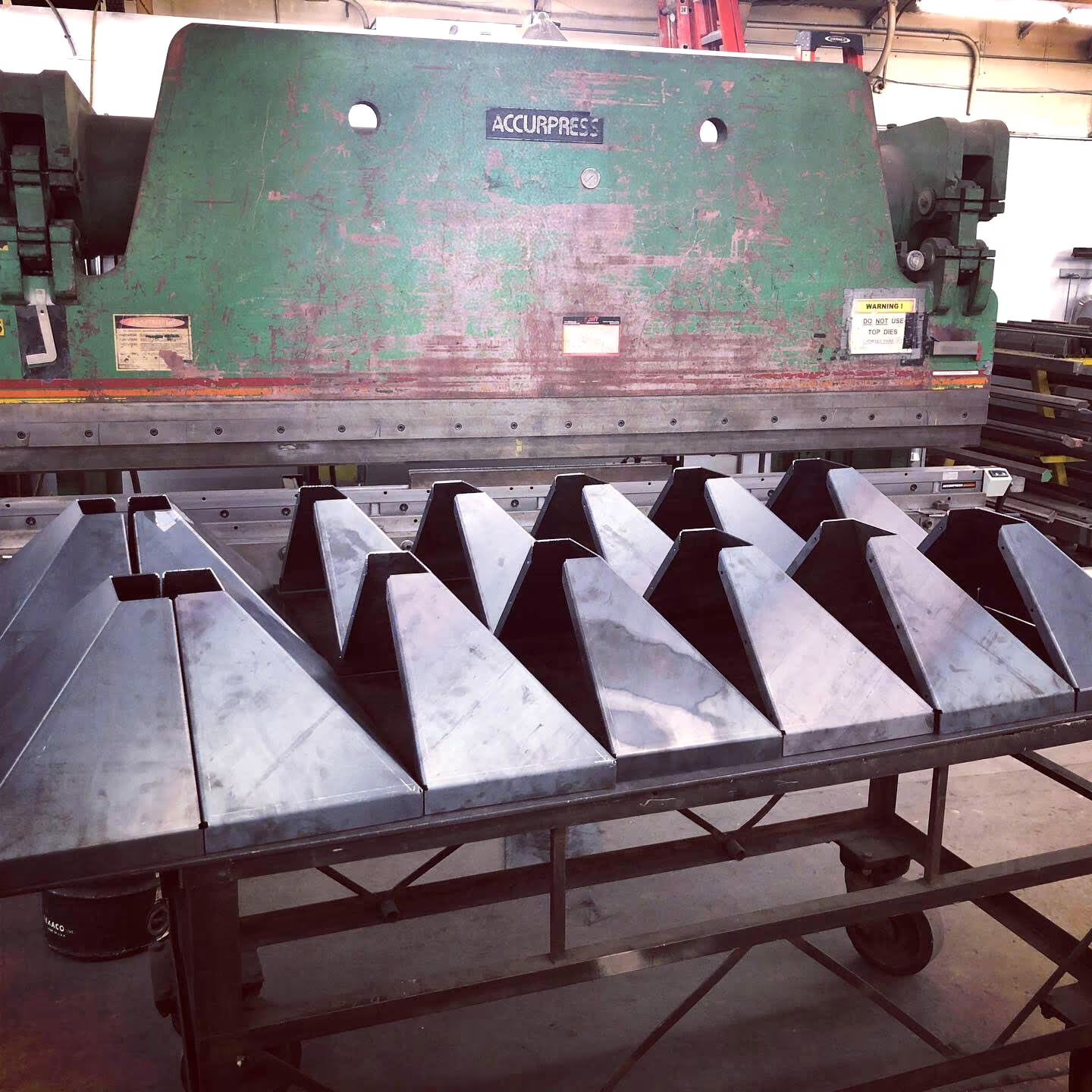
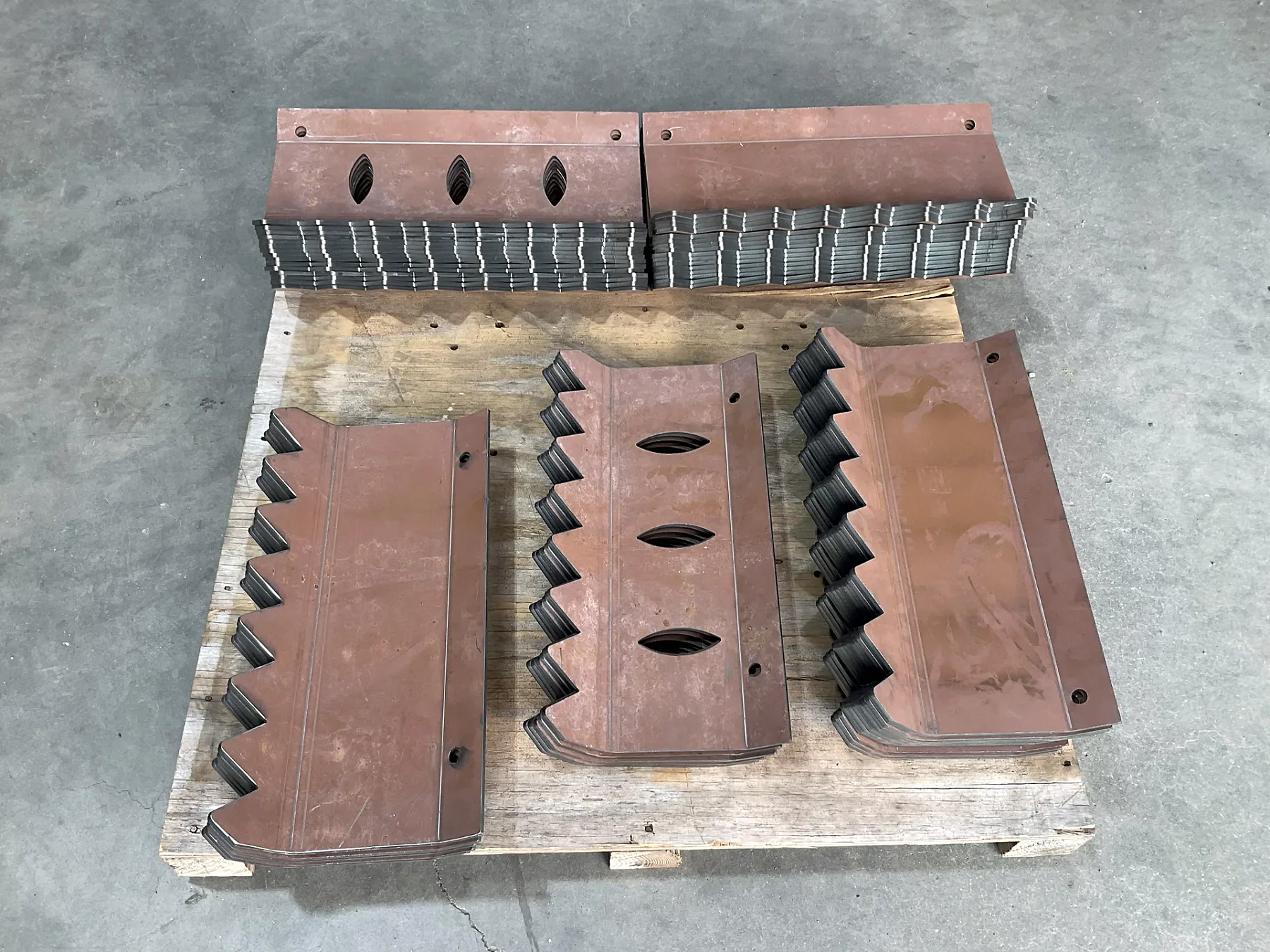
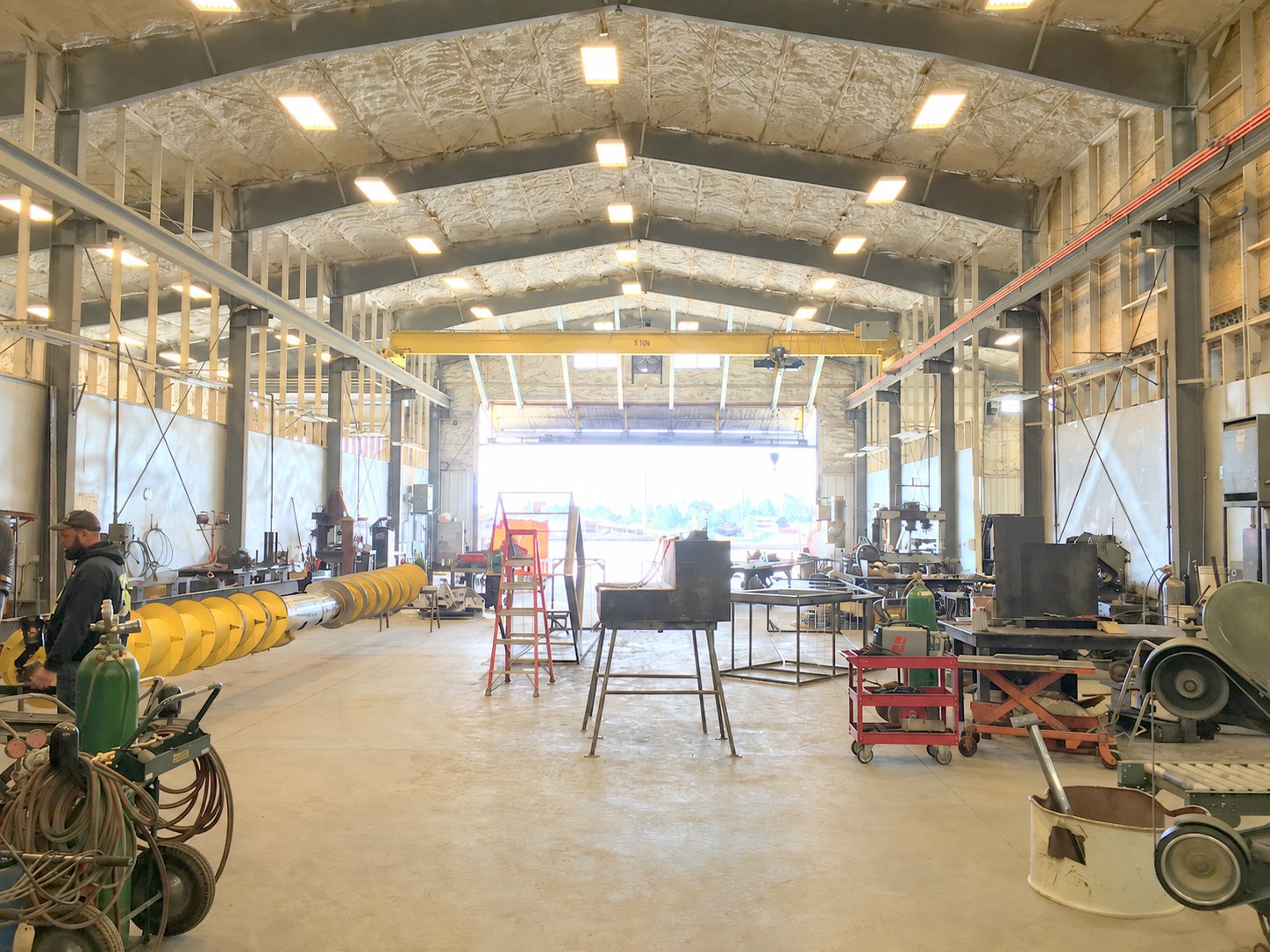
Plasma cutting, shearing, saw cutting, ironworker work, and press brake forming.
Cut and form the part the project needs
High-definition plasma, shearing, saw cutting, ironworker processing, and press brake forming prepare material for parts and assemblies. Machine fit depends on the material, geometry, size, and next operation.
Material needs accurate cutting before downstream workA formed part needs a practical bend sequenceMultiple material-processing steps need a clear handoff
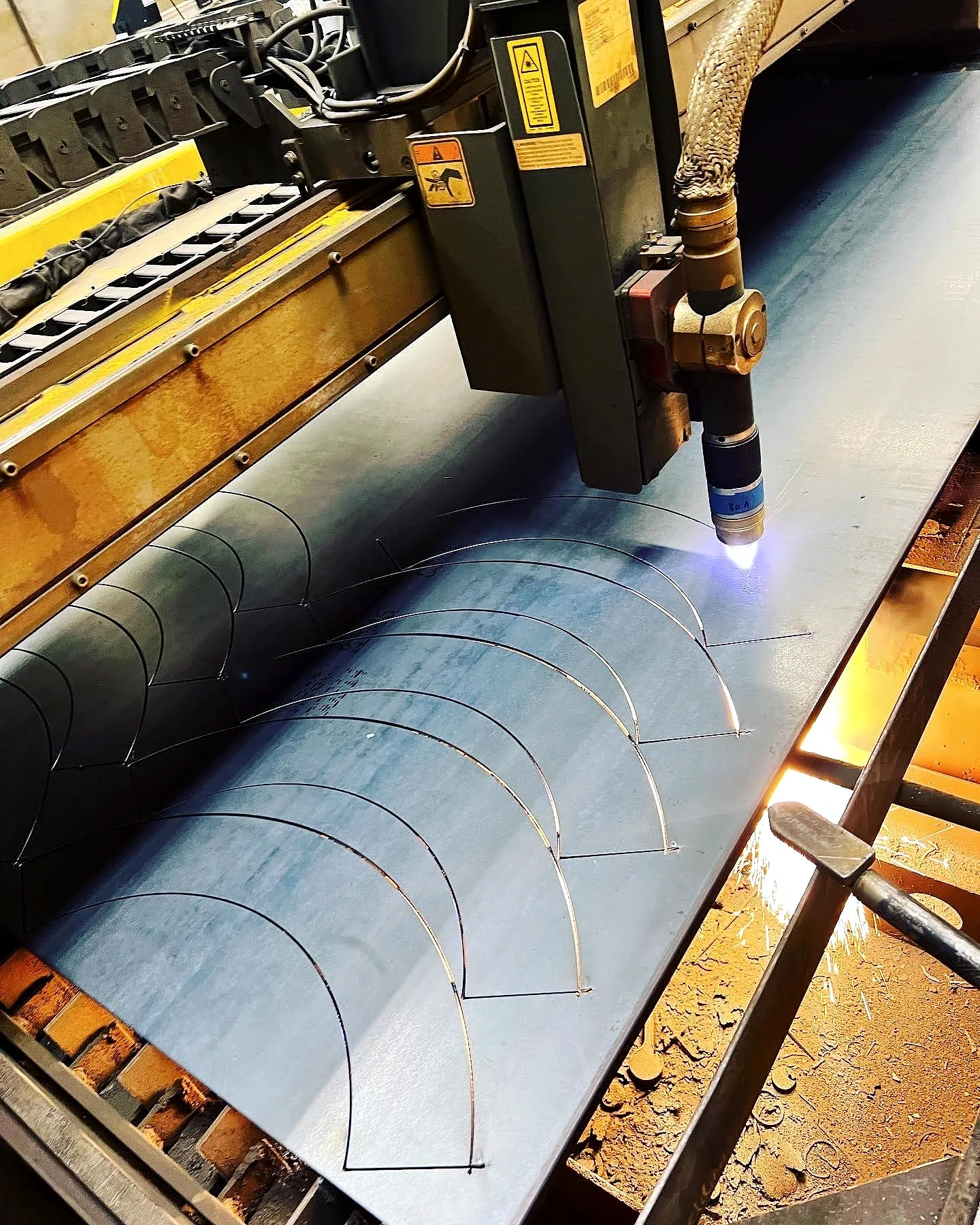
Cutting and forming for parts and assemblies
Shearing and saw cutting
Ironworker processing
Press brake and custom forming
Processes
Work involved
- High-definition CNC plasma cutting
- Robotic plasma cutting
- Shearing and saw cutting
- Ironworker processing
- Press brake and custom forming
Equipment
Shop resources
- High-definition CNC plasma cutting equipment
- Robotic plasma cutting equipment
- Shear
- Saws
- Ironworker
- Press brake
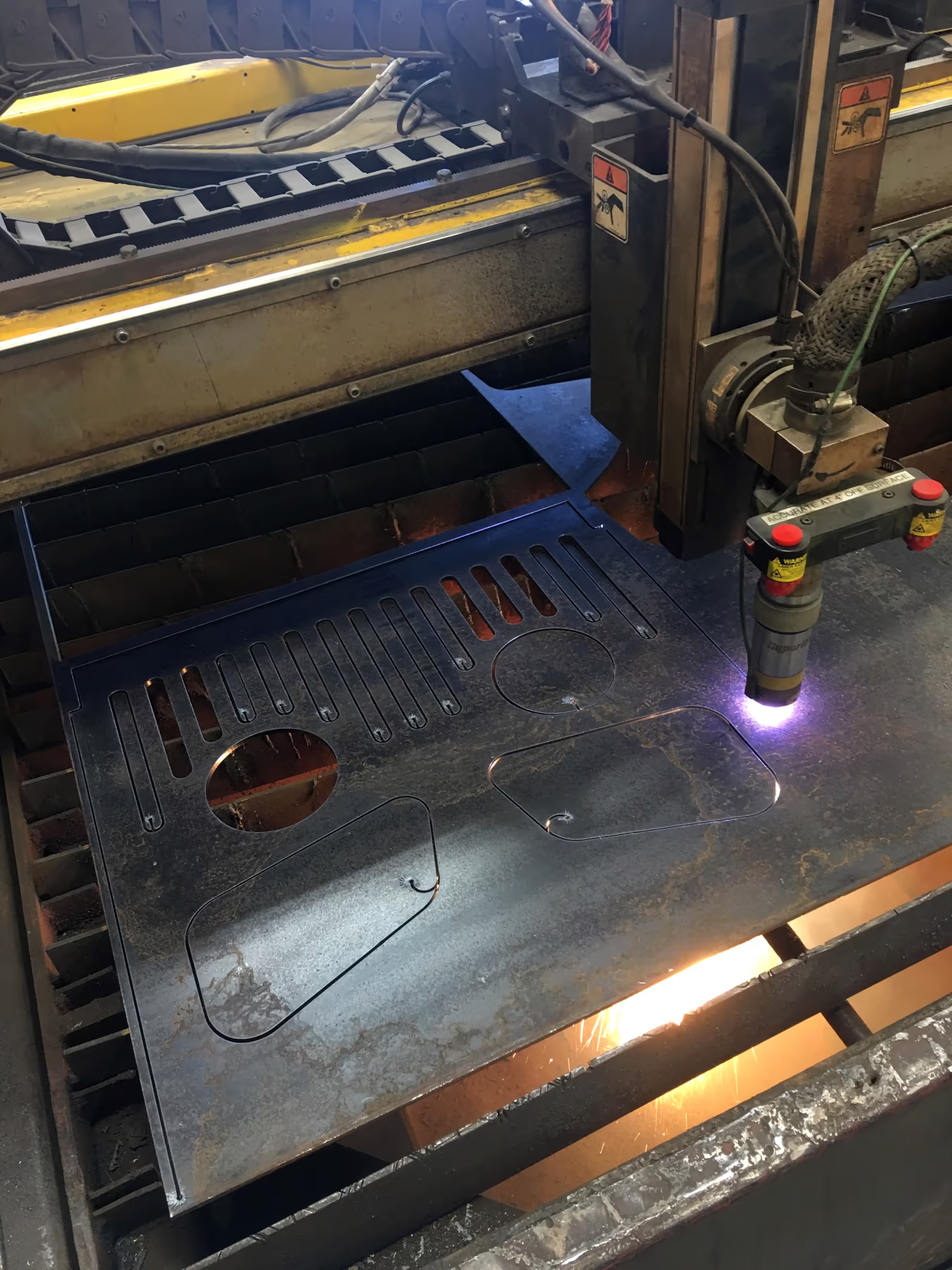
Cutting
Cut from the job file
High-definition plasma cutting prepares material for parts and assemblies. Machine fit depends on the material, geometry, size, and next operation.
Related projects
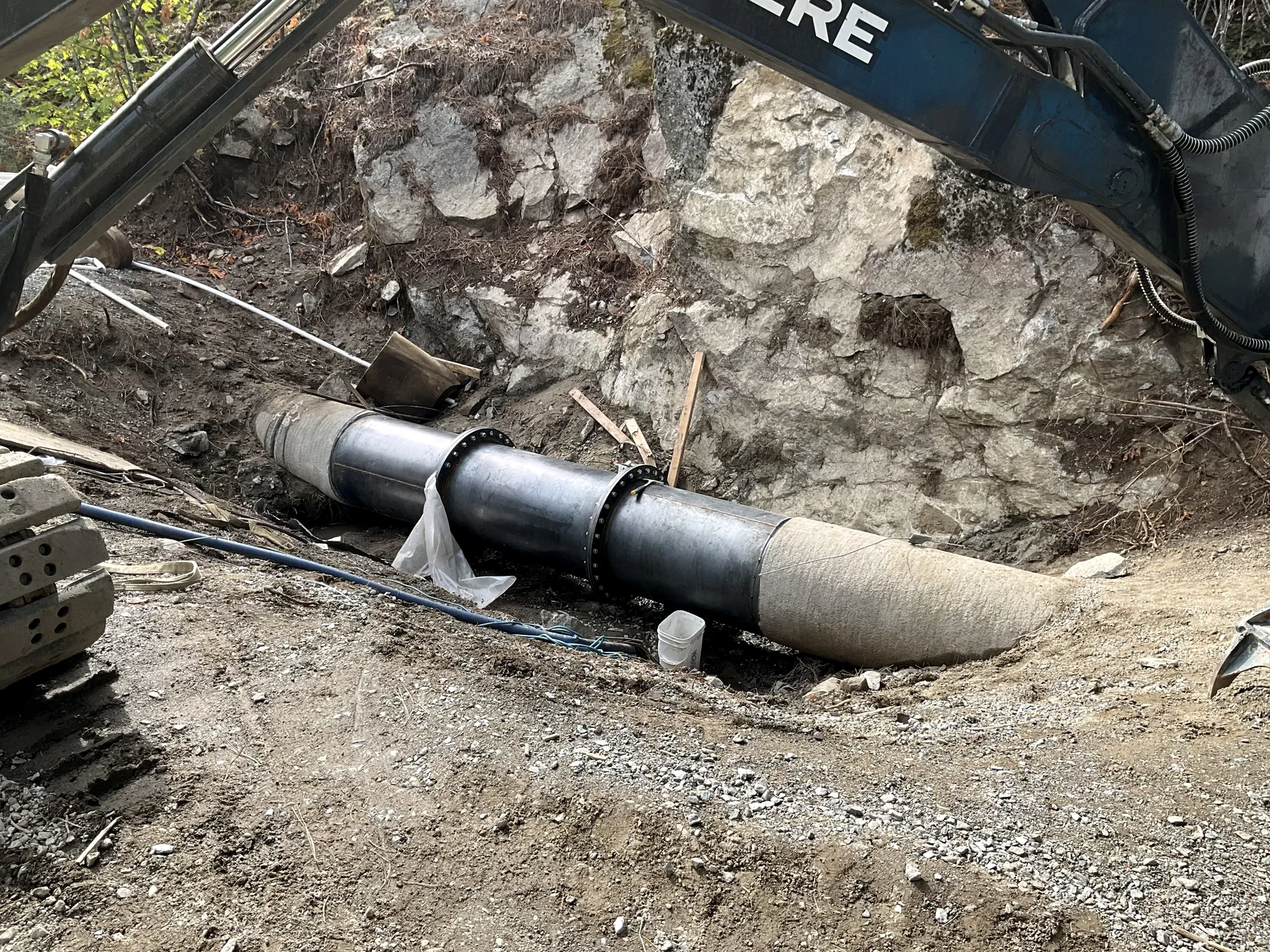
Selected work using this process
Information to send
Send the file and material requirements
Include material, thickness, quantity, geometry, tolerances, and the operation that follows.
- Send the file, drawing, or dimensions
- Confirm material and geometry
- Review the needed processing sequence
- Cut or form the job
Useful questions
What material thickness can Barnes cut or form?
Capacity depends on the process, material, geometry, and machine. Send the drawing and material requirements so the shop can review the specific work.
Which drawing files should I send?
PDF, DXF, DWG, STEP/STP, and clear images are useful starting points. We’ll confirm the working file needed for the specific process.
Markets
Common applications
Process control
Start with the right file and material
We confirm the drawing revision, stock, geometry, and next operation before the first cut or bend.
- Confirm file and revision
- Plan setup and processing order
- Verify critical geometry