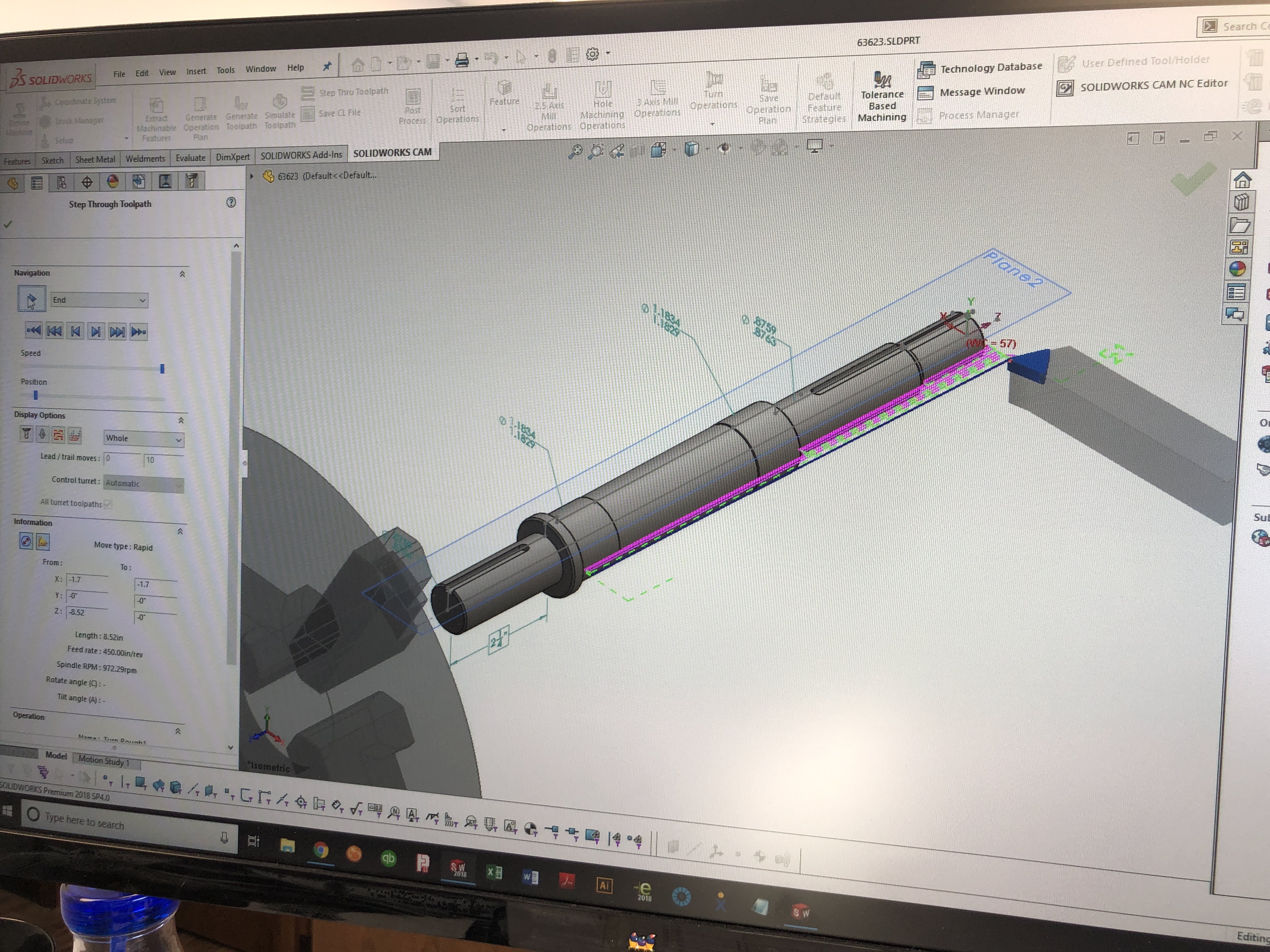
Move from idea to shop-ready information
CAD & design support
SolidWorks 3D CAD, drafting, shop drawings, and design support for work headed to the shop.
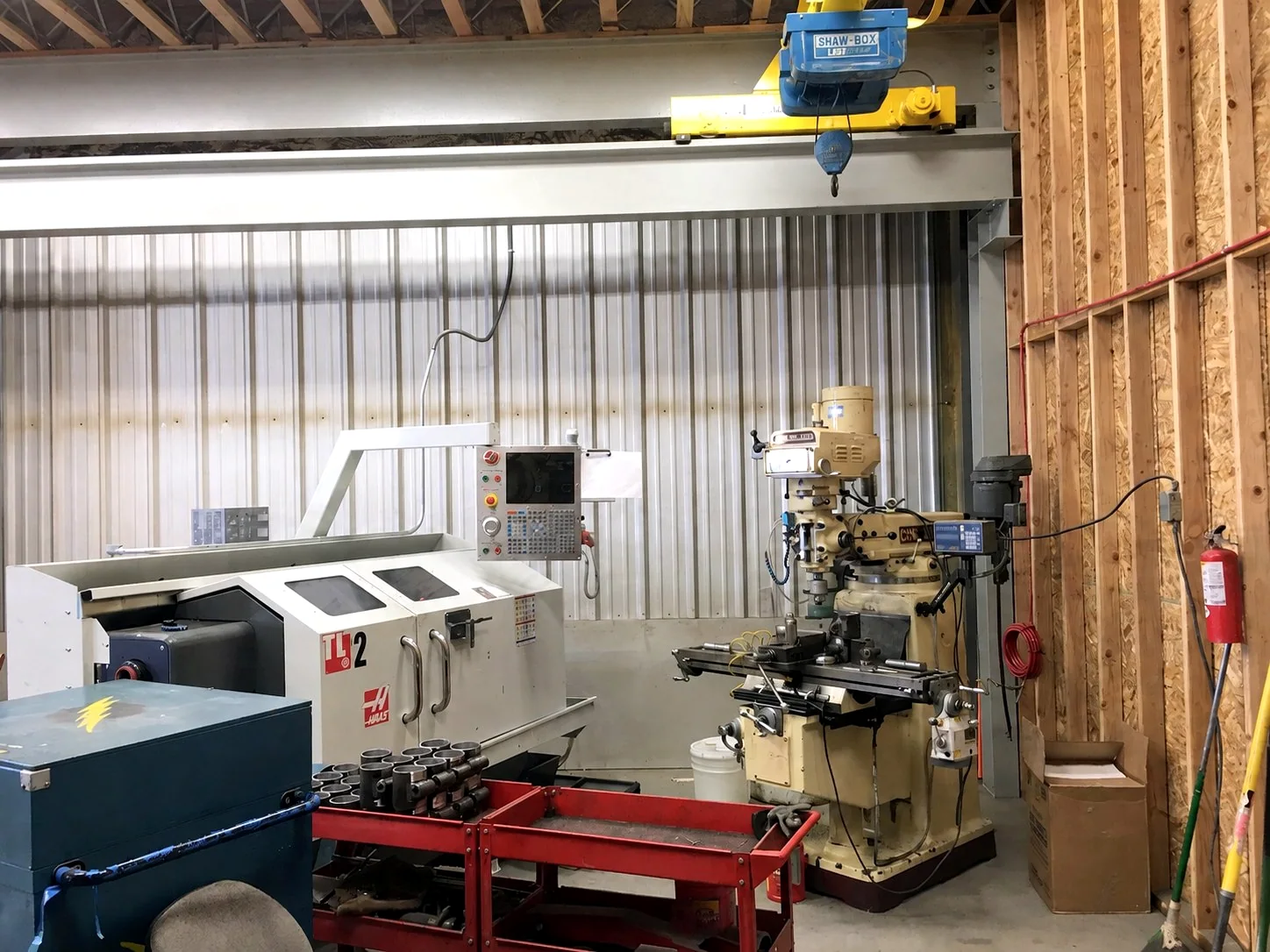
Turn the idea, sample, or sketch into shop information
Start with a sketch, sample, existing file, or description. The needed output may be a model, drawing, part file, or shop information.
A project needs shop-ready informationA concept needs manufacturability reviewA sample or sketch needs a clearer production path
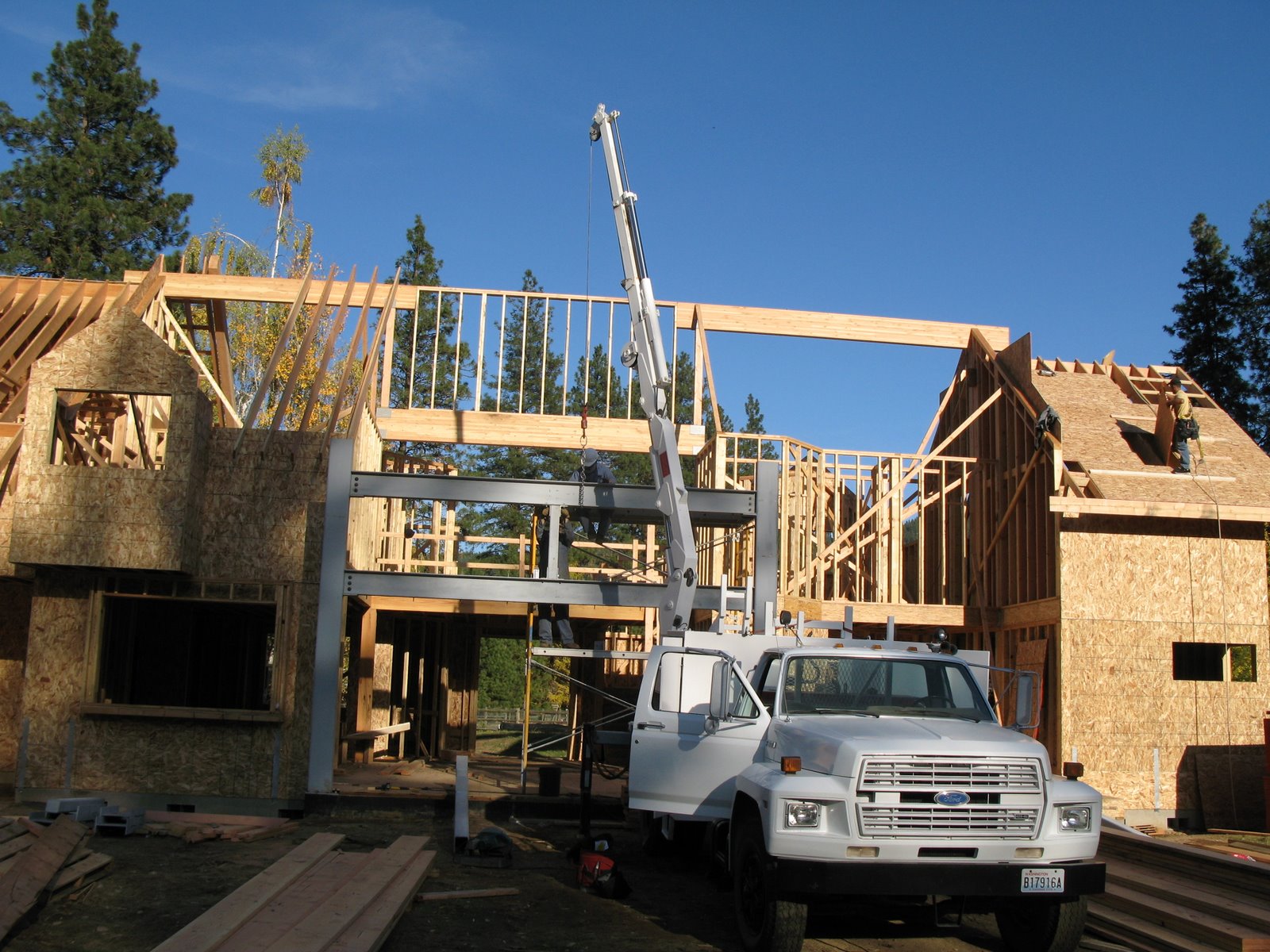
Design support connected to the people who build it
Engineering and design support
Shop information and design-for-manufacturing review
Models and drawings connected to shop processes
Processes
Work involved
- SolidWorks 3D CAD and modeling
- Drafting and shop information
- Engineering and design support
- Design-for-manufacturing review
- Model and drawing preparation for shop work
Equipment
Shop resources
- SolidWorks 3D CAD
Related projects
Selected work using this process
Information to send
Send the sketch, sample, or existing file
Explain the intended use, required deliverable, and features that control fit or function.
- Share the idea, sample, sketch, or existing file
- Define the required deliverable and use
- Review manufacturability with the relevant shop process
- Produce the drawing or model
Useful questions
What design support does this page represent?
This page represents CAD, design, drafting, and shop support connected to Barnes manufacturing. Identify any stamped-engineering requirement at the start so responsibilities stay clear.
Can Barnes work from a sample or sketch?
Share the sample, sketch, intended use, critical features, and desired deliverable. We’ll map the request to the appropriate design and manufacturing steps.
Markets
Common applications
Process control
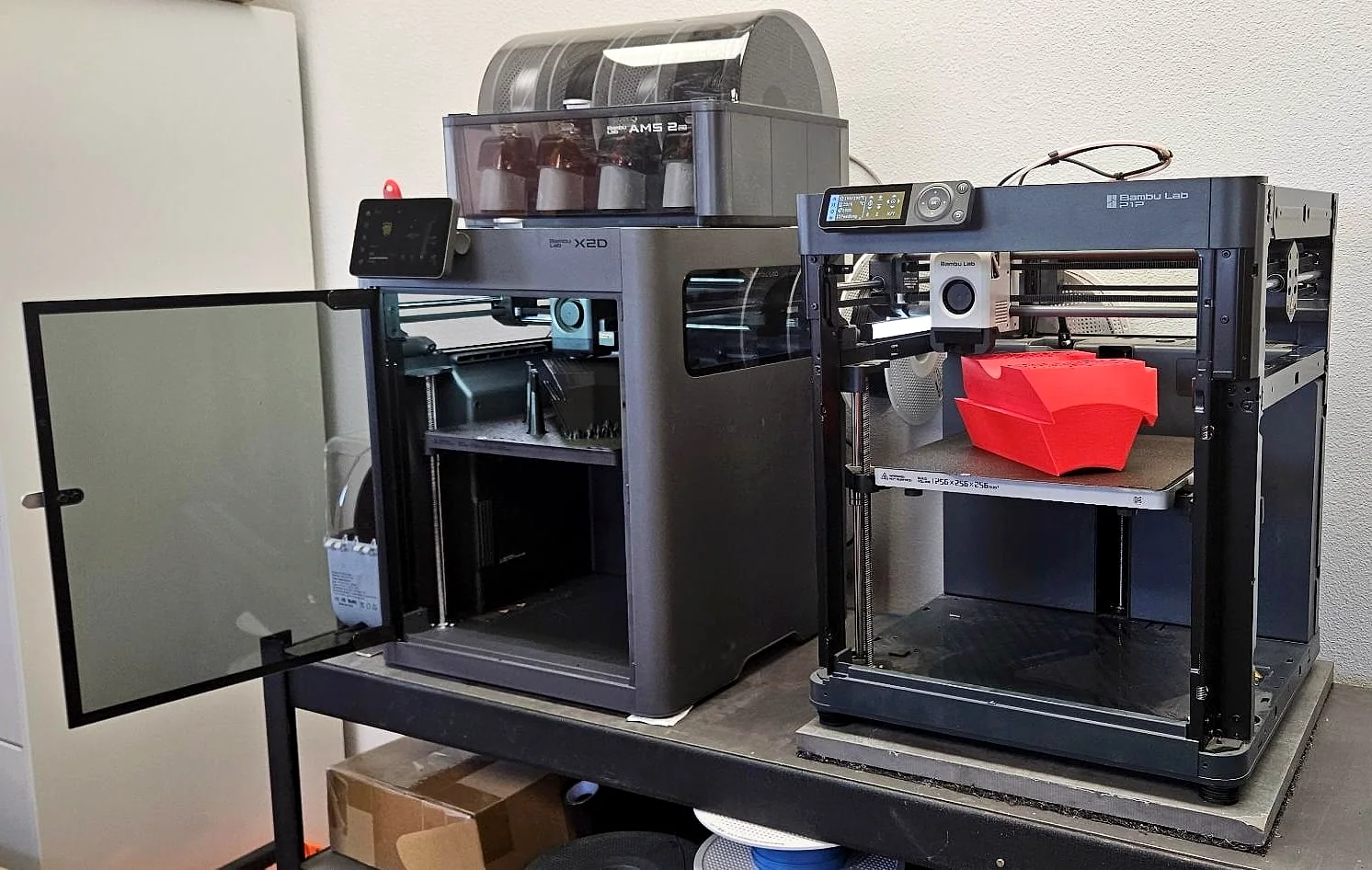
Work through the part before production
A model or printed prototype can answer fit, form, and tooling questions before steel is cut.
- Clarify the intended use
- Review manufacturability
- Improve the model or method before production